

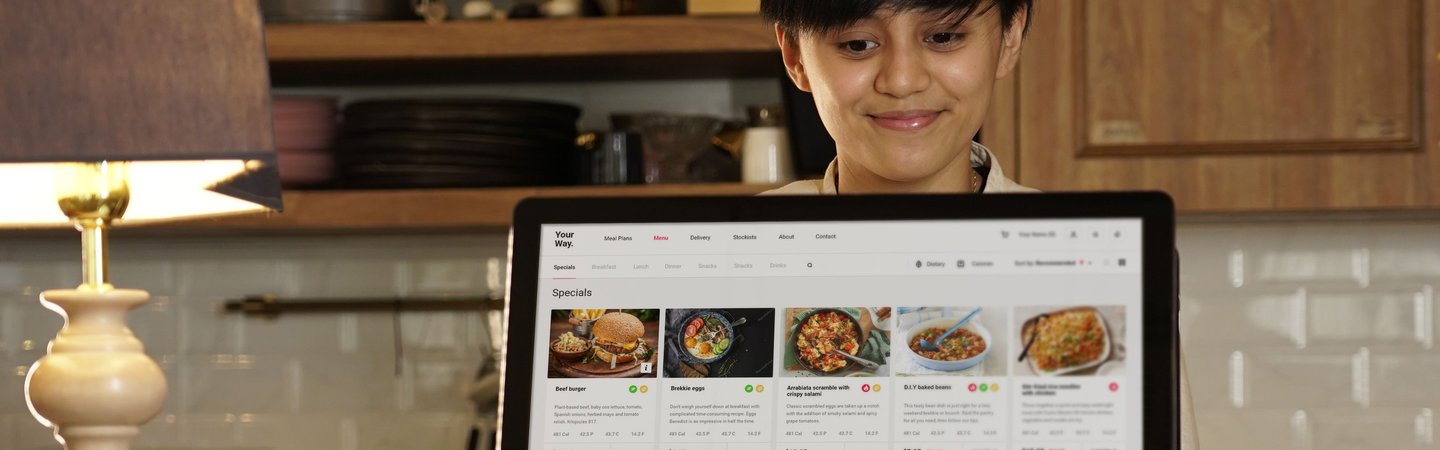
“Touch Screens Don't Bite": Mastering Modern POS and Order Kiosks
Let's be real for a second. If you've ever applied for a job at a restaurant, a retail store, or a fast-casual spot and seen "experience with POS systems required" in the description and then quietly talked yourself out of applying—you're not alone.
Point-of-sale systems. Kitchen display screens. Mobile order pickup stations. These phrases can make a job posting sound a lot more intimidating than it actually is. And for Pivoters who've been out of the workforce for a while, or who had jobs before touch screens were everywhere, that intimidation can feel like a wall between you and a perfectly good job.
Here's what we want you to know: that wall isn't real. And this post is going to prove it.
If You Can Use a Smartphone, You Can Run a Register
.jpg)
This isn't a pep talk. It's just the truth.
Modern point-of-sale systems are the screens that cashiers use to ring up orders and process payments. They’re just like the phone in your pocket. You tap things. You scroll. You press buttons. There are pictures of the menu items. The math is done for you. The screen tells you what to do next.
Think about what you already do on your phone every day. You tap icons to open apps. You scroll through menus. You confirm purchases. You read notifications. That's essentially what running a register looks like but on a bigger screen, with someone standing on the other side of the counter.
Technology is not the hard part. You already know more than you think you do.
What Is a POS System, Really?
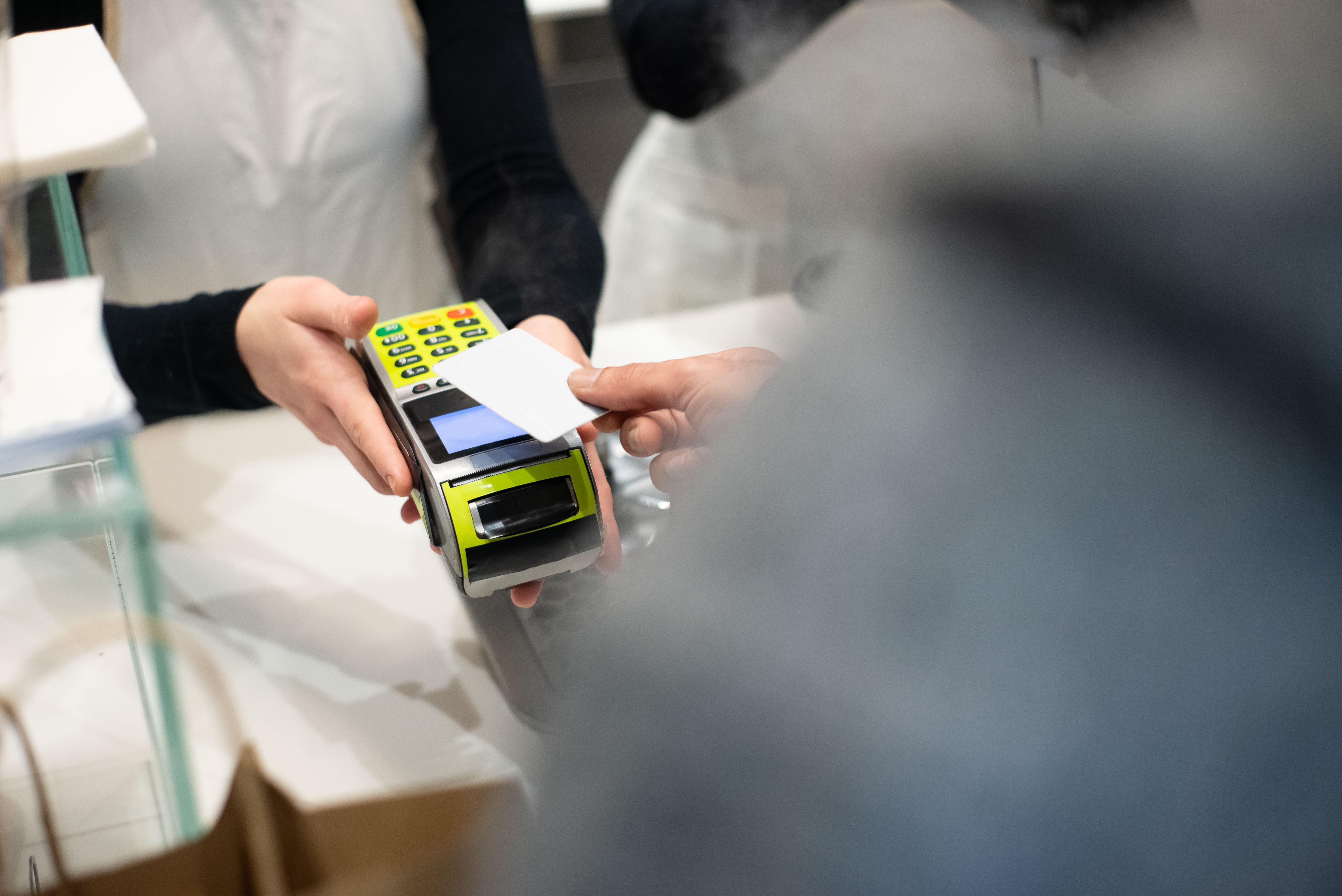
POS stands for point of sale which just means the place where a transaction happens, meaning the register. Modern POS systems are touchscreen computers that let employees ring up items, apply discounts, process payments, and print or send receipts.
At a restaurant, a POS might look like a tablet mounted on a stand where you tap in someone's order. At a grocery store, it might be a full-screen register with a card reader on the counter. At a clothing store, it might be a sleek device that a sales associate carries around the floor.
They all work roughly the same way:
- You find the item (by scanning a barcode, tapping a button, or searching by name)
- You add it to the order
- You confirm the total
- The customer pays (cash, card, or phone)
- The system handles the rest including calculating change, printing a receipt, or sending the order to the kitchen
That's it. The system is designed to make your job easier, not harder. Every button is there for a reason, and most of the time, the screen literally tells you what to press next.
What About Mobile Order Pickup Stations?
If you've ever ordered ahead at a coffee shop or fast food restaurant, you've seen this from the customer side. Someone orders on an app, pays on their phone, and comes in to pick it up. On the employee side, that order shows up on a screen and your job is to match the order to the person who walks in.
It sounds more complicated than it is. Here's what it actually looks like:
- A screen shows you a list of orders that have been placed ahead of time
- Each order has a name and what was ordered
- You find the order, confirm it's ready, and hand it to the right person
- You tap "completed" or a similar button, and it disappears from the list
The trickiest part isn't the technology. The hard part is staying organized when things get busy and multiple orders come in at once. And that's a people skill, not a tech skill. That's something you've probably been doing for decades.
Kitchen Display Screens: The Back-of-House Version
.jpg)
If you're working in a kitchen or behind the counter at a restaurant, you might interact with something called a kitchen display system. Instead of paper tickets printing out, orders show up on a screen mounted in the kitchen or prep area.
Each order appears as a card on the screen with the items listed. When something is ready, you tap it to mark it done. When the whole order is complete, you bump it off the screen. That's the whole job, technology-wise. The rest is knowing how to cook or assemble the food. And that's the part that comes from experience, not from tech skills.
The Learning Curve Is Shorter Than You Think
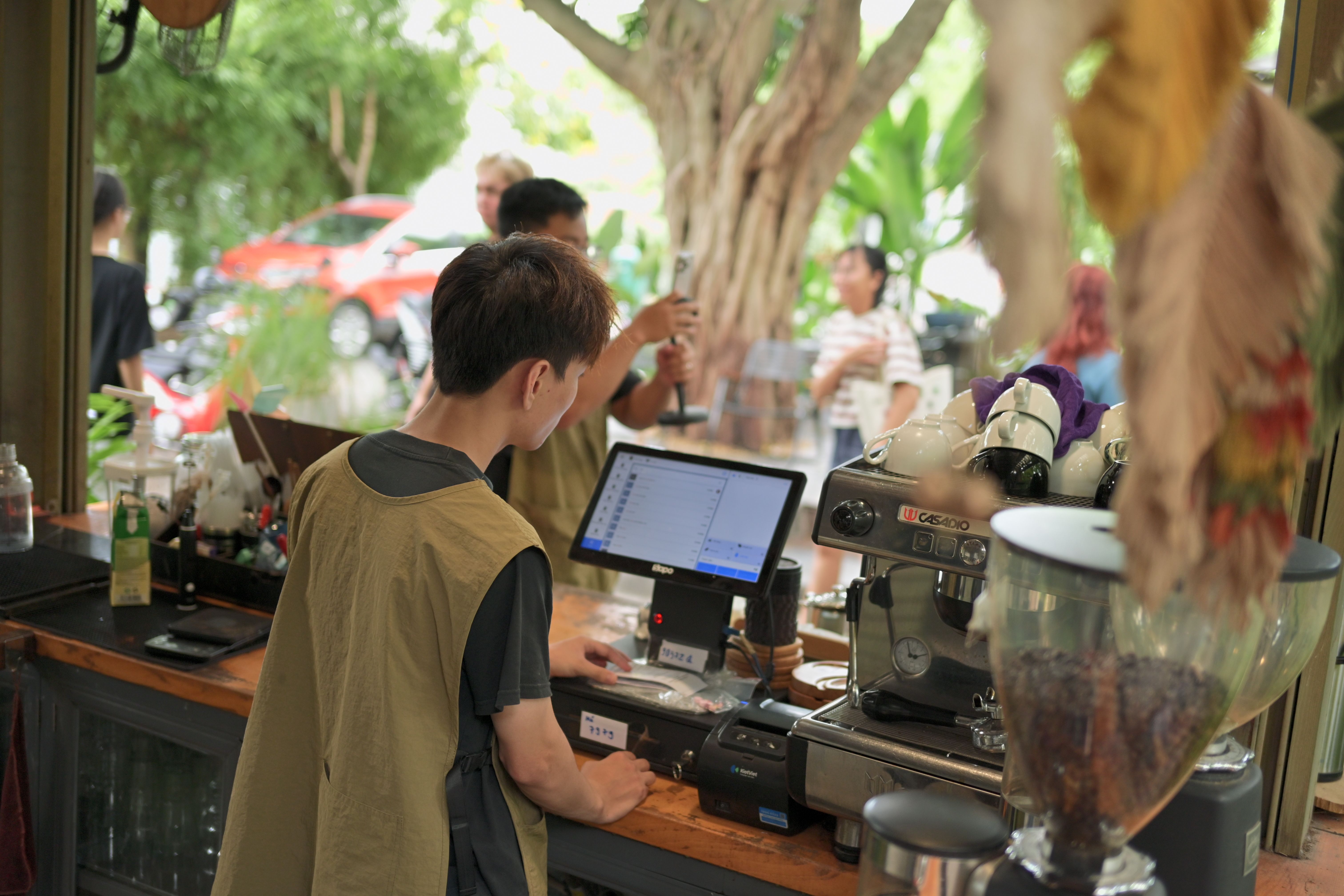
Most employers expect to train you on their specific system. They're not expecting you to walk in already knowing how to use their exact setup. Every restaurant chain uses slightly different software. Every retailer has their own version of the register. Even longtime employees have to learn a new system when a company switches platforms.
What employers are actually looking for is:
- Someone who isn't afraid to try
- Someone who asks questions when they're unsure
- Someone who practices until they get it
That's it. The technology part is trainable. What's not as easy to train is the attitude such as the willingness to figure it out, to not give up when something doesn't make sense on the first try, and to ask for help without making it a bigger deal than it needs to be.
Those are things Pivoters tend to be very good at.
Tips for Getting Comfortable Before Day One
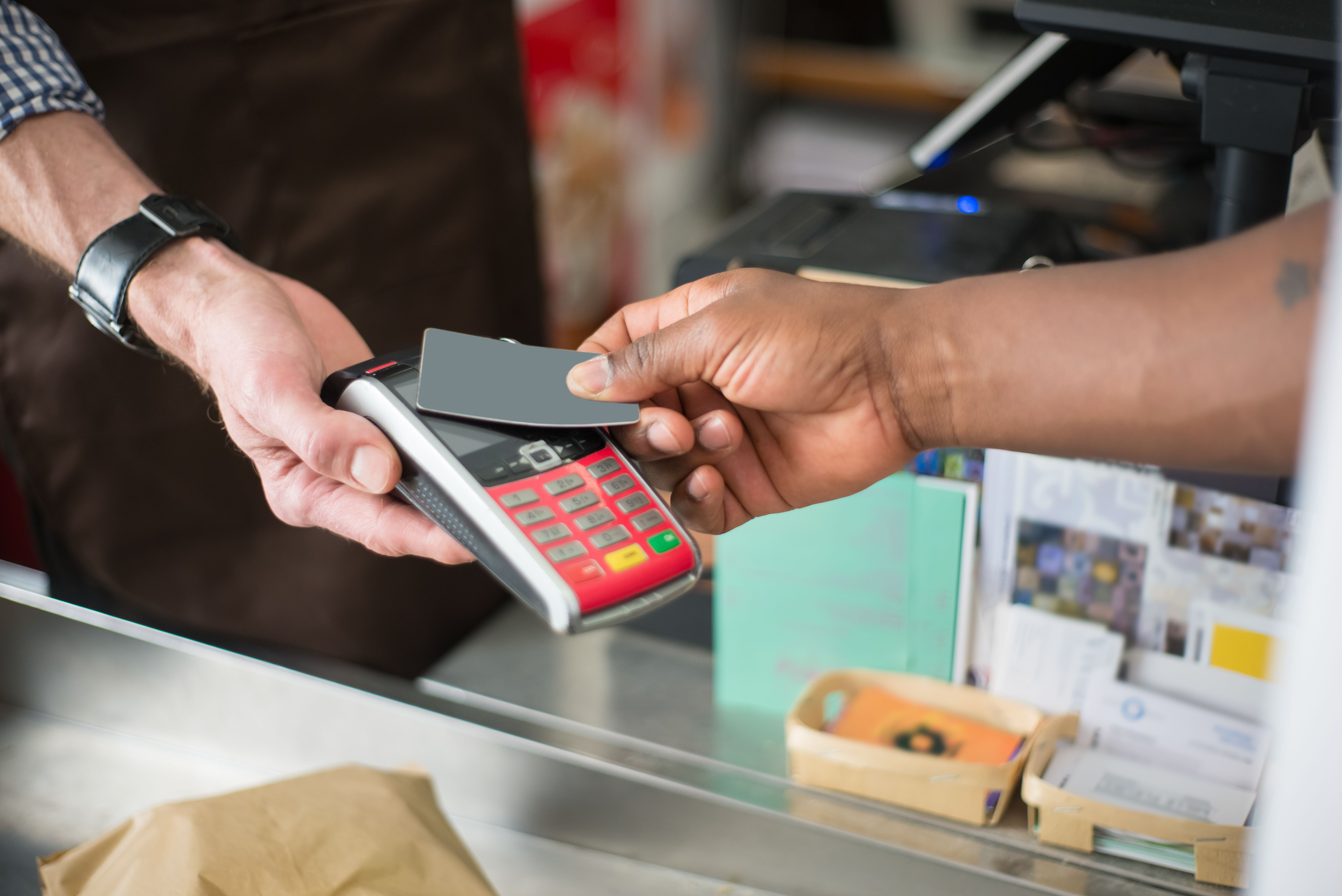
You don't have to wait until your first shift to start feeling more confident about the technology. Here are a few things you can do right now:
Use the self-checkout at the grocery store. Seriously. Self-checkout kiosks are basically a simplified version of what you'd use as a cashier. Notice how the screen walks you through each step. Notice how it tells you what to do when something goes wrong. That's what a register feels like from the employee side, just with a few more buttons.
Order ahead at a fast-food app at least once. Go to your favorite fast food spot and place a mobile order. Watch what happens when you pick it up. That's the system you'd be working with on the other side of the counter.
YouTube is your friend. You can search "how does a [restaurant name] POS work" or "Square register tutorial" or "Toast POS for beginners" and find dozens of videos that walk you through exactly what these systems look like. Watching someone use one for five minutes will do more for your confidence than reading about it for an hour.
Ask during the interview. If you're nervous about a specific system, it's completely okay to ask in the interview what system they use and whether they provide training. Most employers will respect the question because it shows you're taking the job seriously.
You've Got This
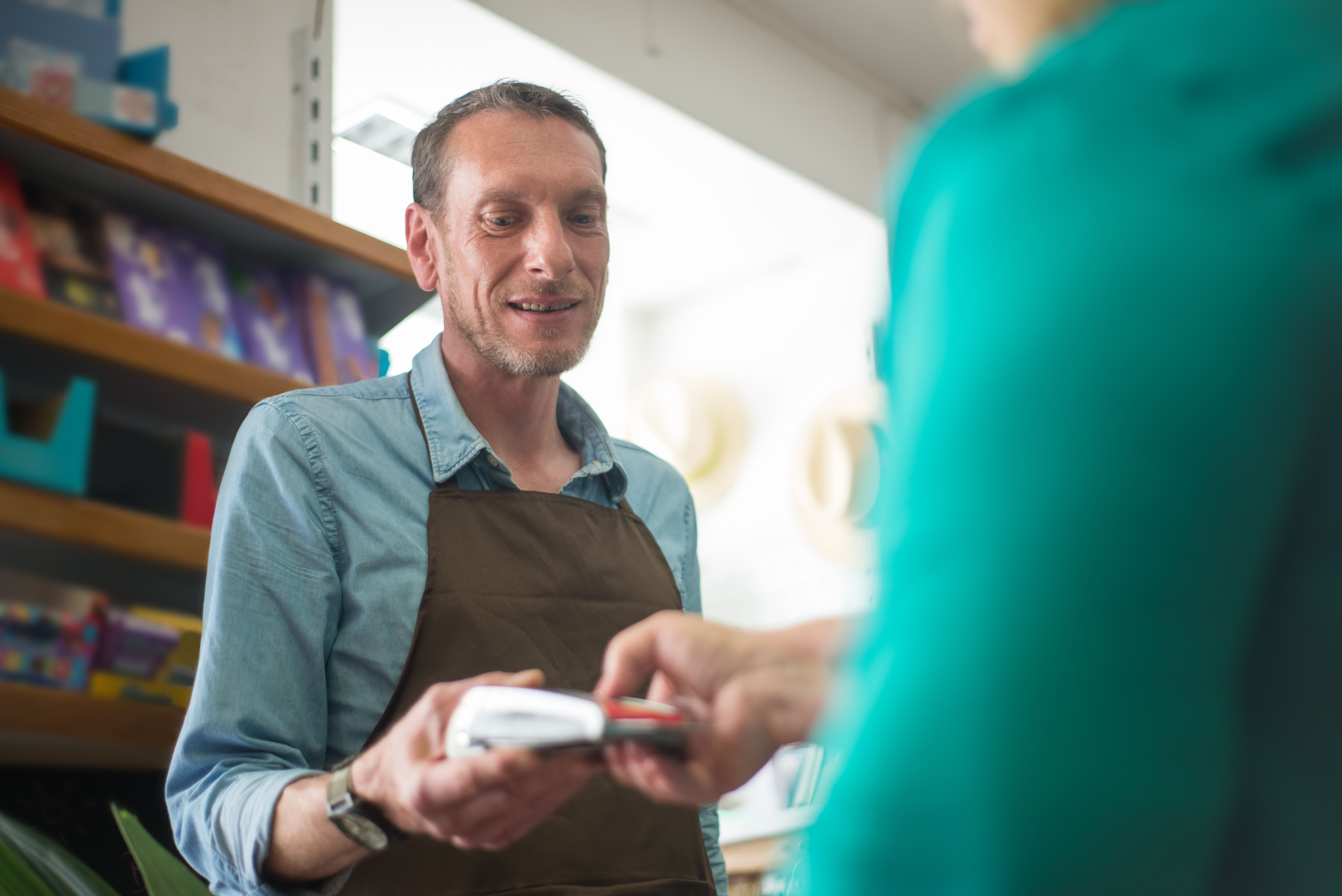
Modern technology in retail and restaurant settings is designed to be fast and intuitive. That’s because the businesses using it need their employees to learn it quickly and use it accurately under pressure. That means the design has to be simple. And simple means learnable.
You've already proven you can learn new things. You've already navigated smartphones, online banking, video calls, and a hundred other pieces of technology that didn't exist when you started working. A touchscreen register is not going to be the thing that stops you.
Walk in with confidence. Ask questions when you need to. Practice when you get the chance. And remember: the screen is on your side. It's trying to help you do your job.
Touch screens really don't bite.
.jpg)






Thank you for signing to our newsletter